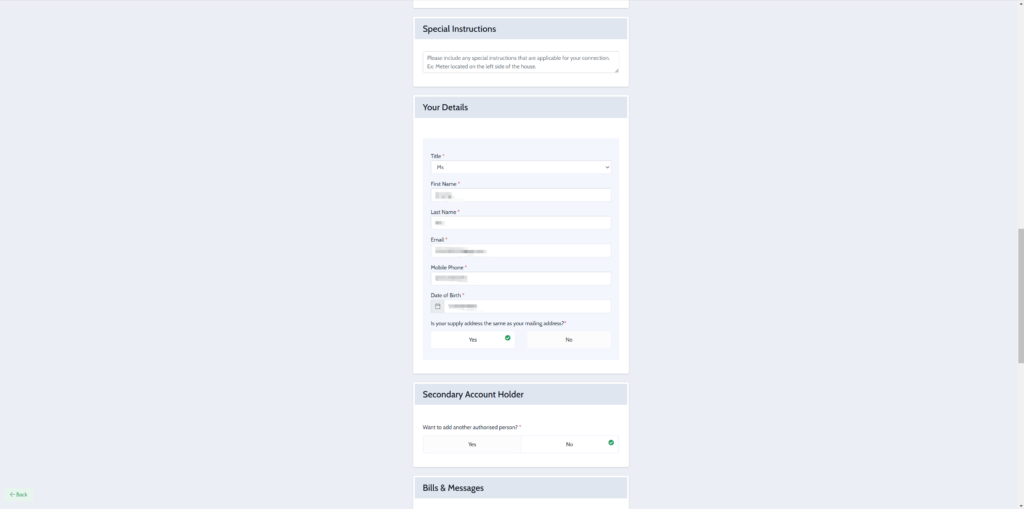
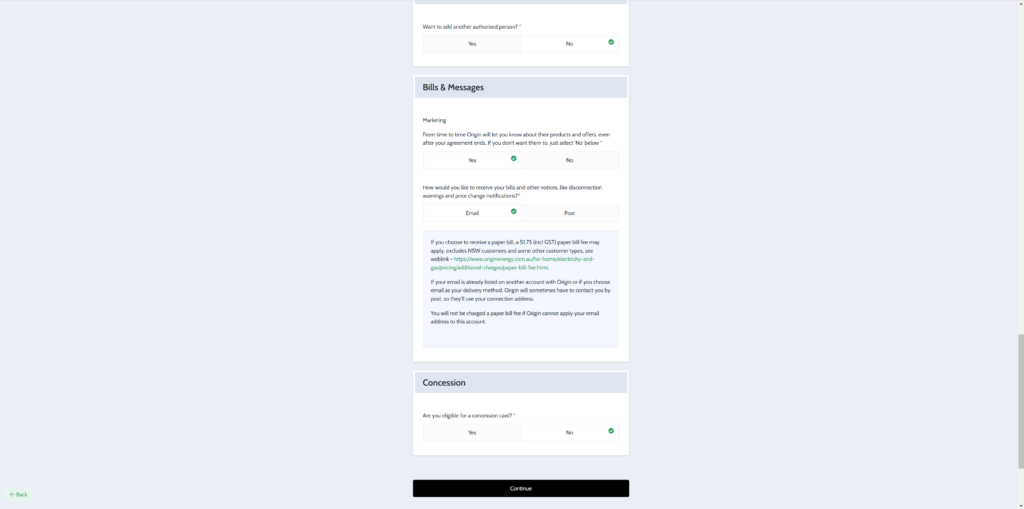
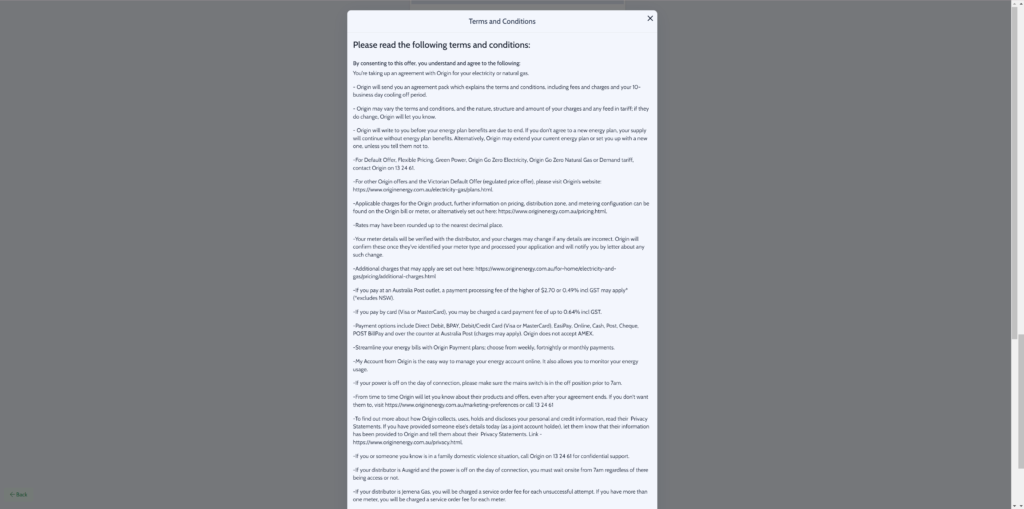
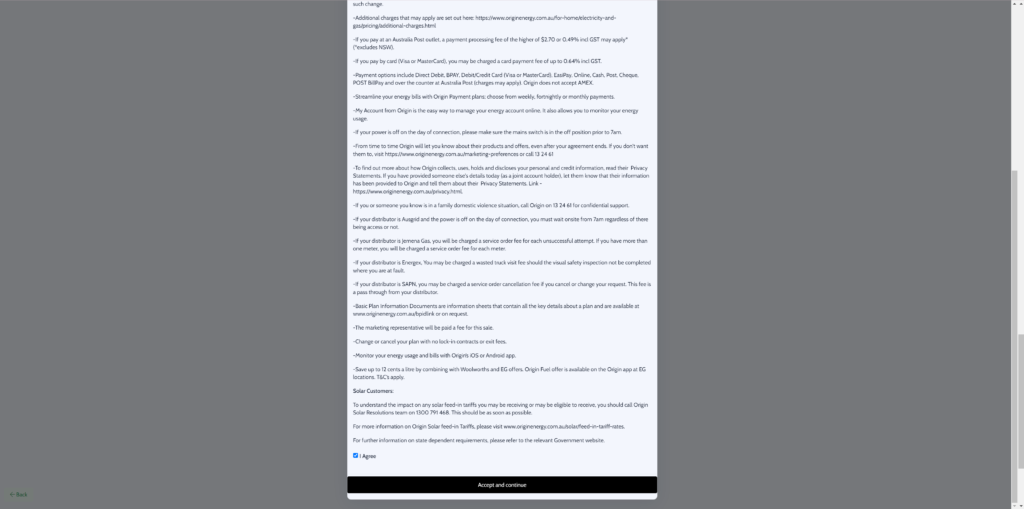
Move In: You Move to New Address OR Same Address New People to Setup Account
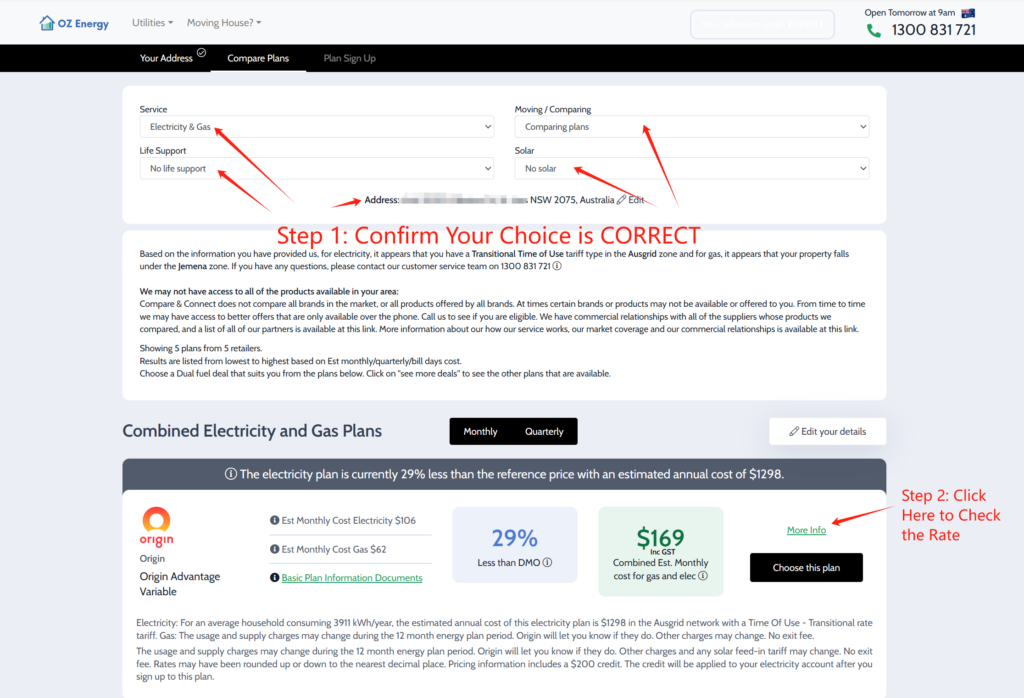
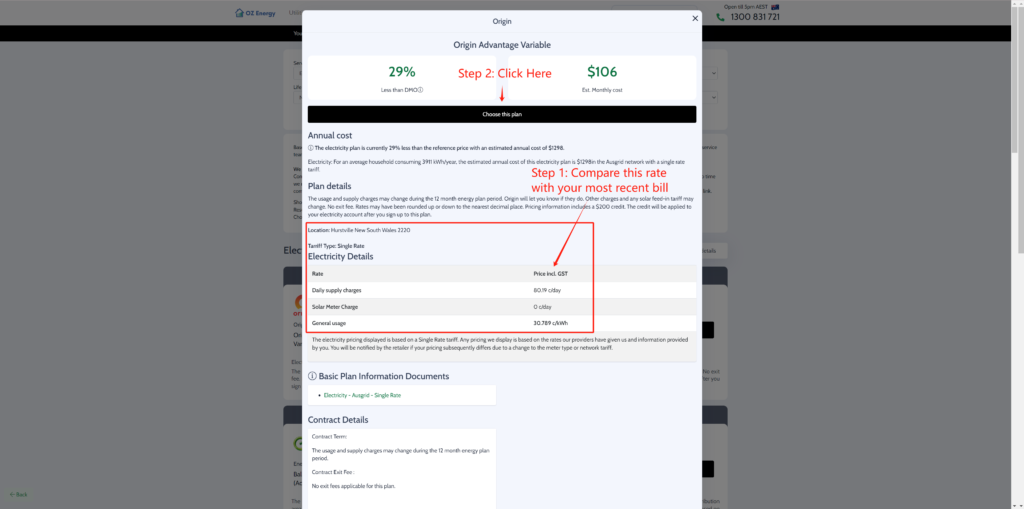
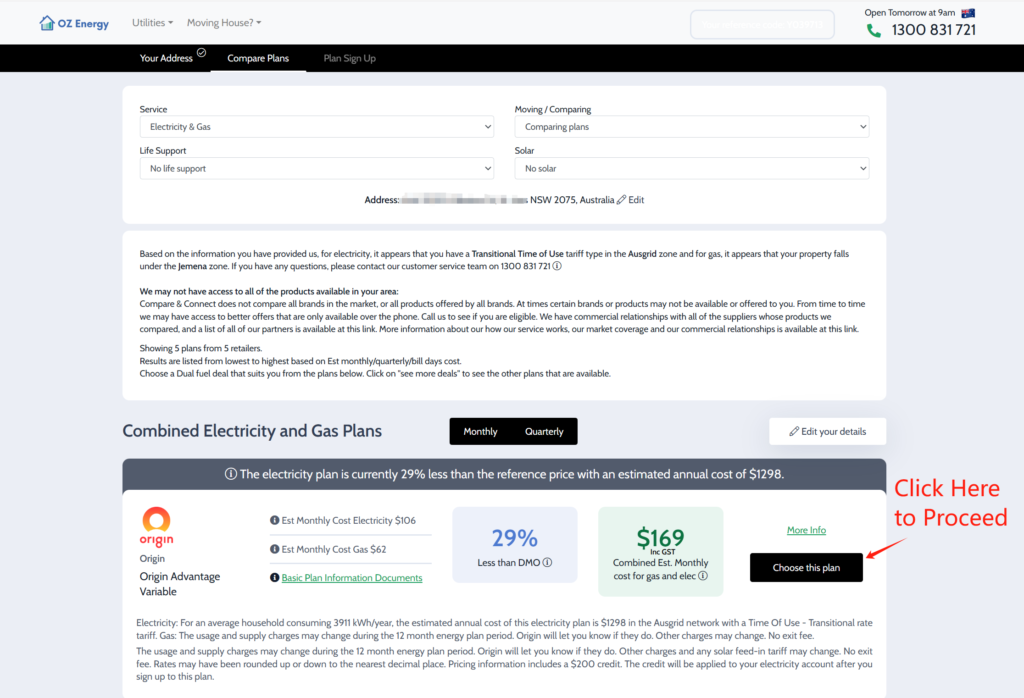
Compare Your Bill: Same Address, Same Account Holder want to find better deal.
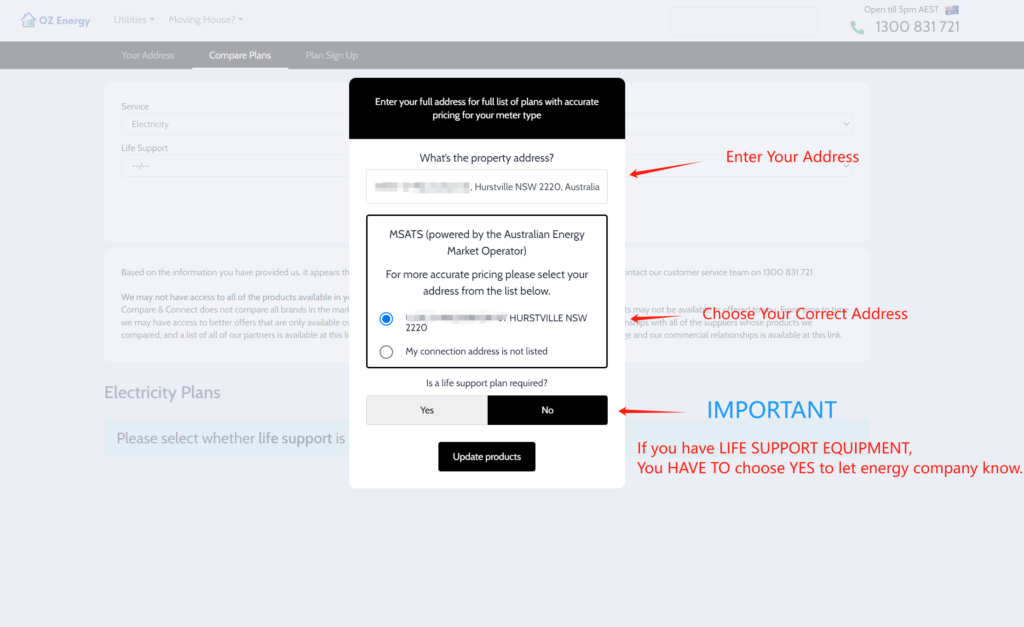
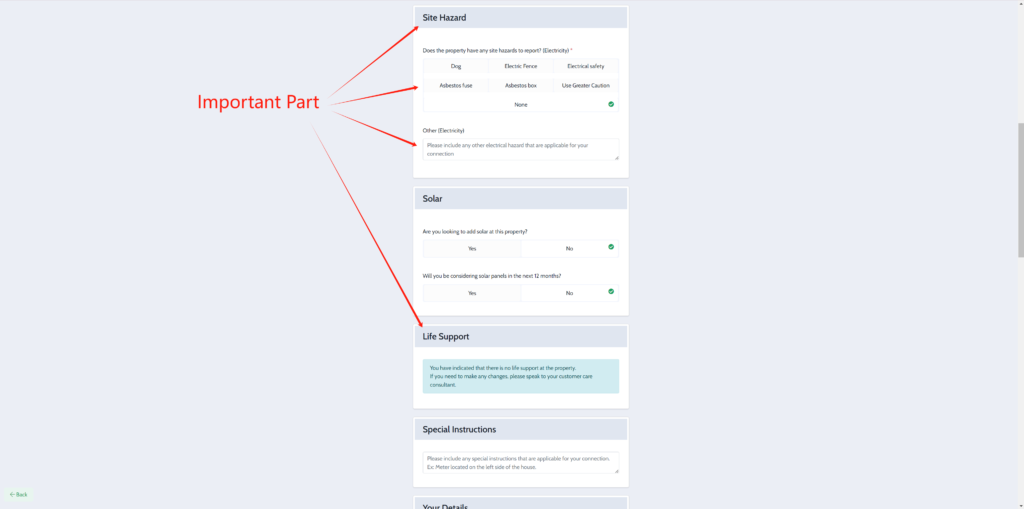
Life Support Equipment: If anyone at the property has life support equipment, it’s important to let Energy Company know so we can give you all the information you need to plan for energy outages. Learn More
Site Harzard: It is important to let Energy Company know is there any site Harzard, it will make sure Meter Reader can read your meter safe and efficiency.
If you have Dog or other animal in your Property, you must let energy company know.
If you don't understand above information, please contact us before you start
After Complete Signup, you will receive Welcome Pack from New Energy Company within 2-5 Business Days (Check Junk Mail), If you don't receive the Welcome Pack, please contact with us ASAP.